Just paste your board URL into X or other social platforms and the pitch appears as-is. There is no need to create a separate image for sharing.
 Try It Now
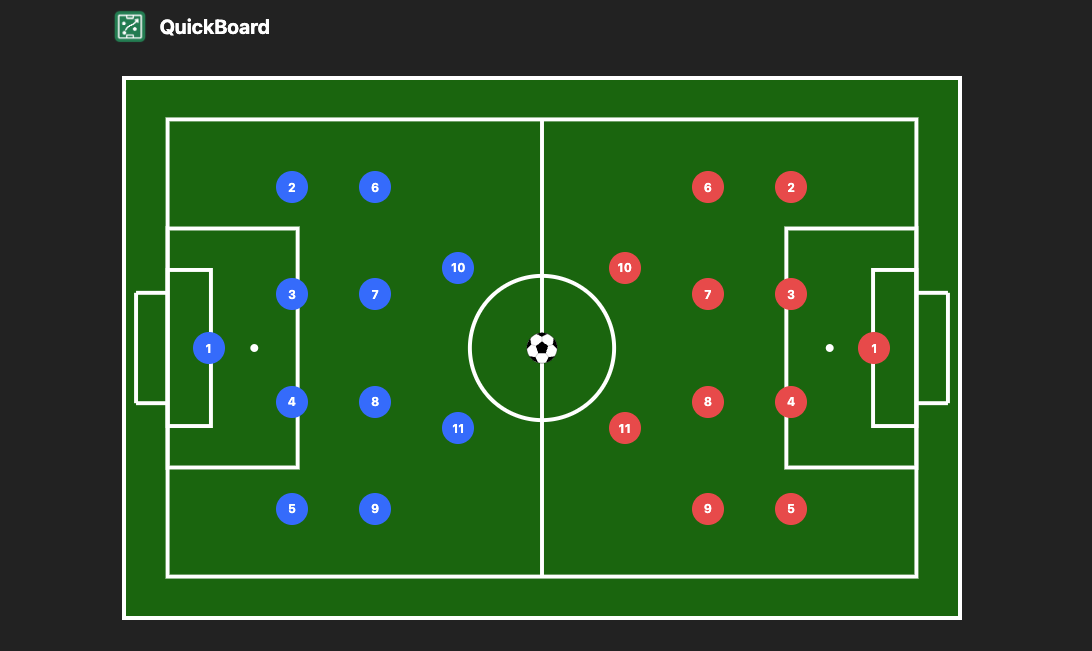
Simple, fast, and built with the essentials you actually need
QuickBoard needs no installation. Open it and start building your tactics board right away, even just before a meeting.
Placing and adjusting players feels natural. Even first-time users can build the shape they want without getting lost.
Share your tactics board as a URL. Paste it into X or other social platforms and the board appears as an OG image so people understand it at a glance.
Perfect when you want people to see the board before reading the explanation



A simple flow that gets you from editing to sharing fast
Just open QuickBoard in your browser. No installation required.
Place players, add arrows or numbers if needed, and create the board you want to share in minutes.
Copy the URL into a post or chat and the OG image updates automatically.
No installation or sign-up required. Open it on your phone or computer and start creating tactics boards immediately.
Try QuickBoard
